Chapter 29
Working with User Notifications

Prior to iOS 10, user notifications were plain and simple, without rich graphics or media. They were presented in text format. Depending on the user's context, the notification could appear on the lock screen or home screen. If the user missed any notifications, they could bring up the Notification Center to view all pending notifications.
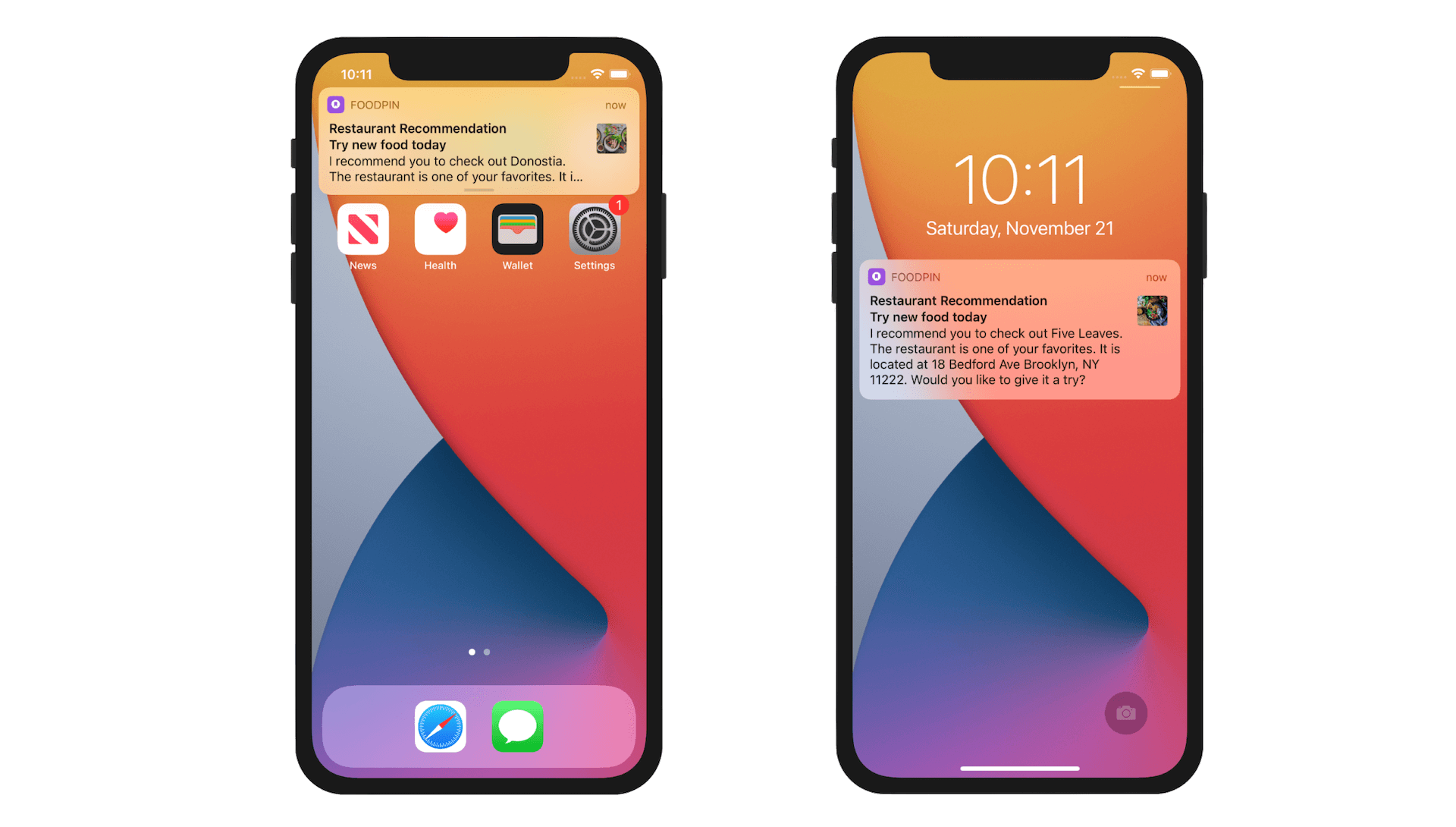
Since the release of iOS 10, Apple has revamped the notification system to support user notifications in rich content and custom notification UI. By rich content, it means you can include static images, animated GIFs, videos, and audios in the notifications. Figure 29-2 gives you an idea of rich content notifications.
To access the full version of the book, please get the full copy here. You will also be able to access the full source code of the project.