Chapter 11
Working with Navigation UI and Navigation Bar Customization
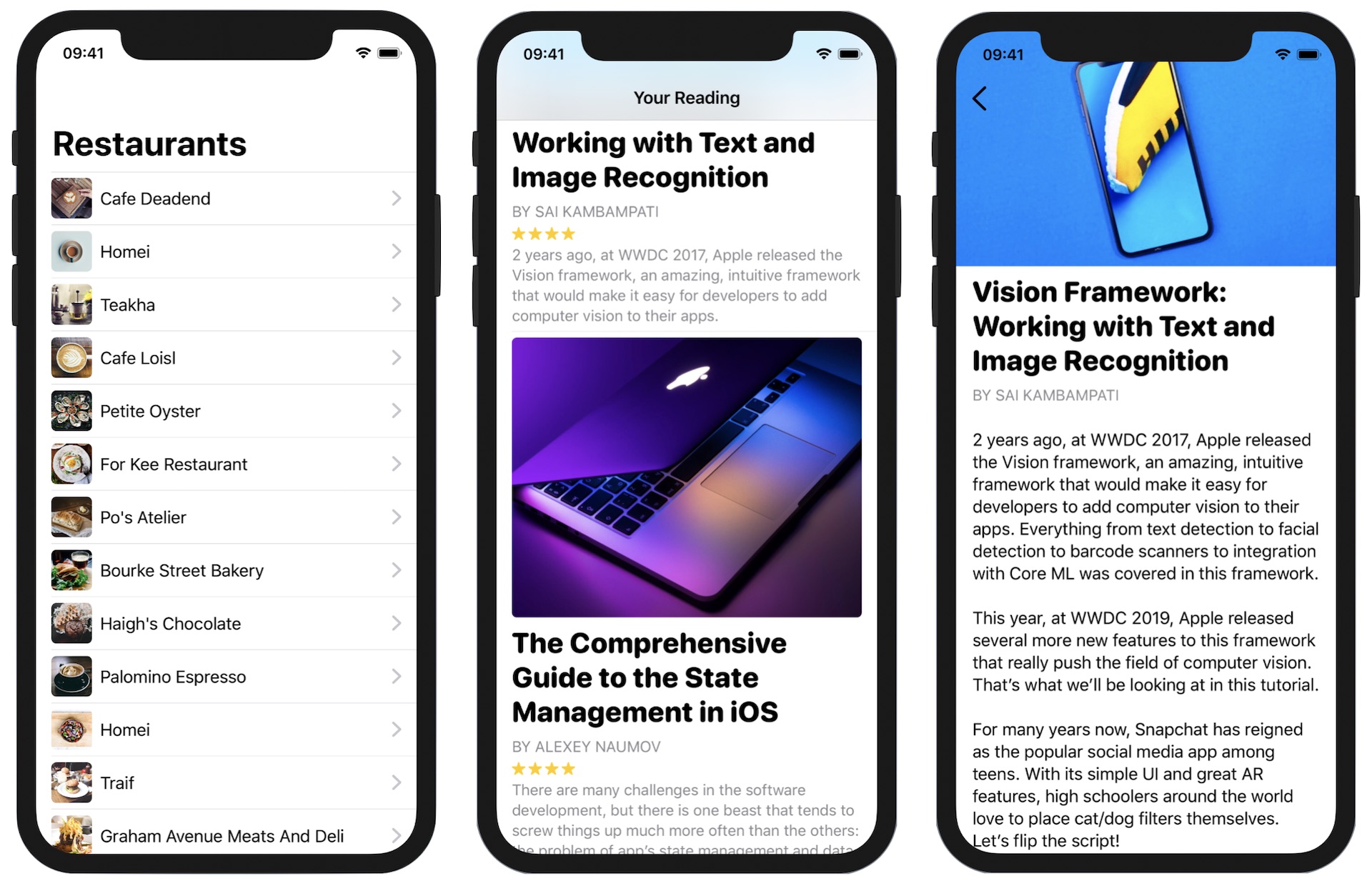
In most apps, you will have experienced a navigational interface. This type of UI typically consists of a navigation bar and a list of data, allowing users to navigate to a detail view by tapping on the content.
In UIKit, we implement this type of interface using UINavigationController. In SwiftUI, Apple introduced the NavigationView component, which is now called NavigationStack in iOS 16 (or up). In this chapter, I will guide you through the implementation of navigation views and demonstrate how to perform customizations. As usual, we will work on a couple of demo projects to provide you with hands-on experience with NavigationStack.
Preparing the Starter Project
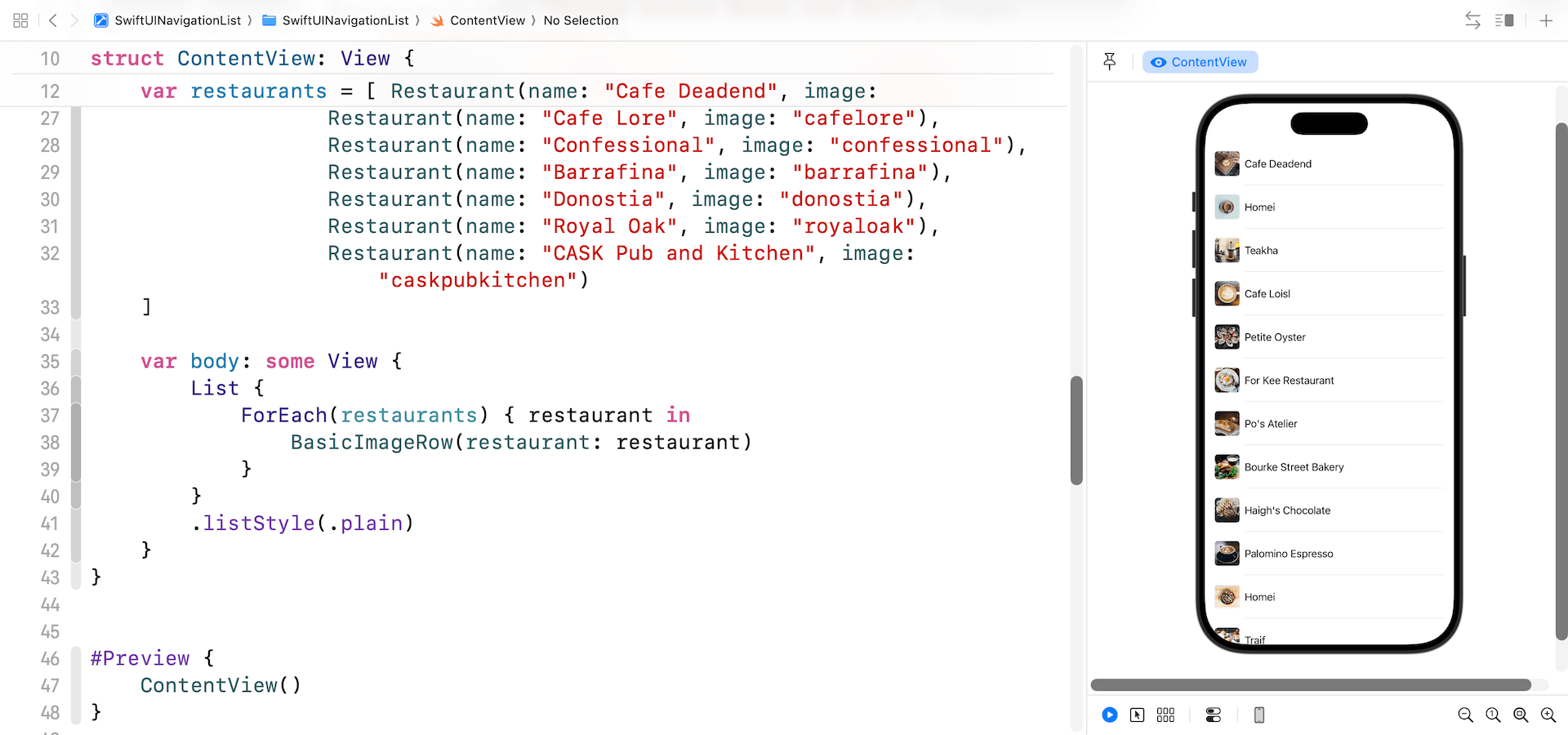
Let's get started and implement a demo project that we have built earlier with a navigation UI. So, first download the starter project from https://www.appcoda.com/resources/swiftui7/SwiftUINavigationListStarter.zip. Once downloaded, open the project and check out the preview. You should be very familiar with this demo app. It just displays a list of restaurants.
To access the full content and the complete source code, please get your copy at https://www.appcoda.com/swiftui.