Chapter 65
Developing Siri Shortcuts with App Intents
Have you ever wondered how to make your app's features accessible from the built-in Shortcuts app on iOS? That's what the App Intents framework is designed for. Introduced in iOS 16 and macOS Ventura, the framework has been around for over two years. It provides developers with a powerful way to define actions that users can trigger through Shortcuts. With App Intents, your app can integrate seamlessly with the Shortcuts app, Siri, and even system-wide Spotlight search.
In this chapter, we'll explore how to use the App Intents framework to bring your app's functionality into Shortcuts by creating an App Shortcut. Using the Ask Me Anything app as our example, we'll walk through the process of letting users ask questions right from Shortcuts.
This chapter assumes you're familiar with the Ask Me Anything app from our Foundation Models chapter. If you haven't read it yet, please check it out first.
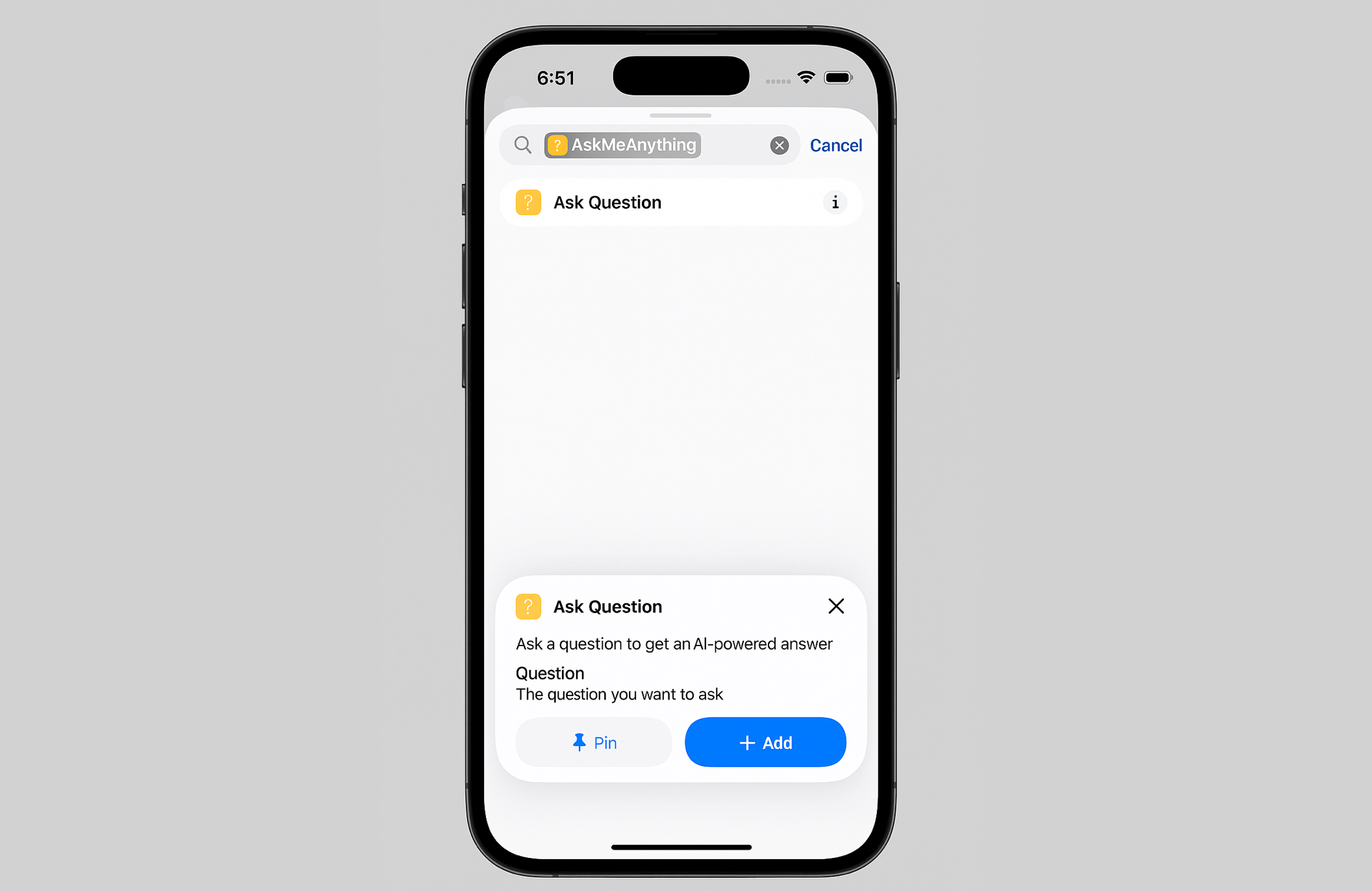
Using App Intents
The Ask Me Anything app allows users to ask questions and then it provides answers using the on-device LLM. What we are going to do is to expose this feature to the Shortcuts app. To do that, all you need to do is to create a new Struct and adopt the App Intents framework.
Let's create a new file named AskQuestionIntent in the AskMeAnything project and update its content like below:
To access the full content and the complete source code, please get your copy at https://www.appcoda.com/swiftui.