Chapter 61
Exploring WebView and WebPage in SwiftUI for iOS 26
In iOS 26, SwiftUI finally introduced one of its most highly anticipated components: WebView, a native solution for displaying web content. Before this update, SwiftUI developers had to rely on the UIKit framework, using UIViewRepresentable to wrap WKWebView or SFSafariViewController in order to embed a web view. With the arrival of WebView, Apple now provides a fully native SwiftUI approach to integrating web browsing capabilities into apps. In this tutorial, I’ll give you a quick overview of the new WebView and show you how to use it in your own app development.
The Basic Usage of WebView
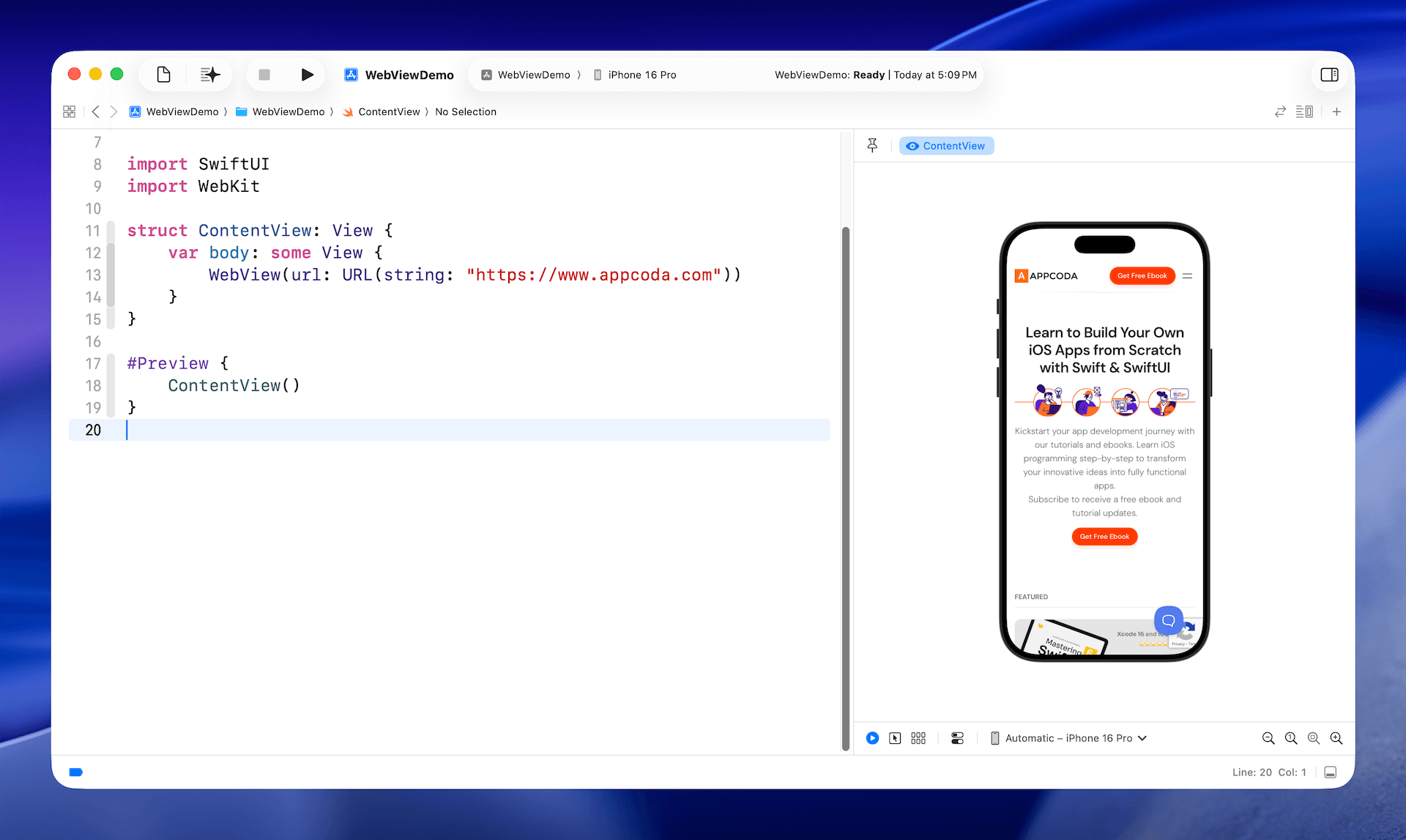
To load a web page using the new WebView, you simply import the WebKit framework and instantiate the view with a URL. Here is an example:
import SwiftUI
import WebKit

struct ContentView: View {
    var body: some View {
        WebView(url: URL(string: "https://www.appcoda.com"))
    }
}
With just a single line of code, you can now embed a full-featured mobile Safari experience directly in your app—powered by the same WebKit engine that runs Safari.
An Alternative Way of Loading Web Content
In addition to WebView, the WebKit framework also introduces a new class called WebPage. Rather than passing a URL directly to WebView, you can first create a WebPage instance with the URL and then use it to display the web content. Below is the sample code that achieves the same result:
To access the full content and the complete source code, please get your copy at https://www.appcoda.com/swiftui.