Chapter 66
Developing Live Activities in SwiftUI Apps
Live Activities, first introduced in iOS 16, are one of Apple's most exciting updates for creating apps that feel more connected to users in real time. Instead of requiring users to constantly reopen an app, Live Activities let information remain visible right on the Lock Screen and Dynamic Island. Whether it's tracking a food delivery, checking sports scores, or monitoring progress toward a goal, this feature keeps important updates just a glance away.
Later in iOS 17, Apple expanded Live Activities even further by supporting push updates from the server side, which makes them even more powerful for apps that rely on real-time information. But even without server-driven updates, Live Activities are incredibly useful for client-side apps that want to boost engagement and provide timely feedback.
In this chapter, we'll explore how to implement Live Activities by building a Water Tracker app. The app allows users to log their daily water intake and instantly see their progress update on the Lock Screen or Dynamic Island. By the end of the tutorial, you'll understand how to integrate Live Activities into your own apps.
A Quick Look at the Demo App
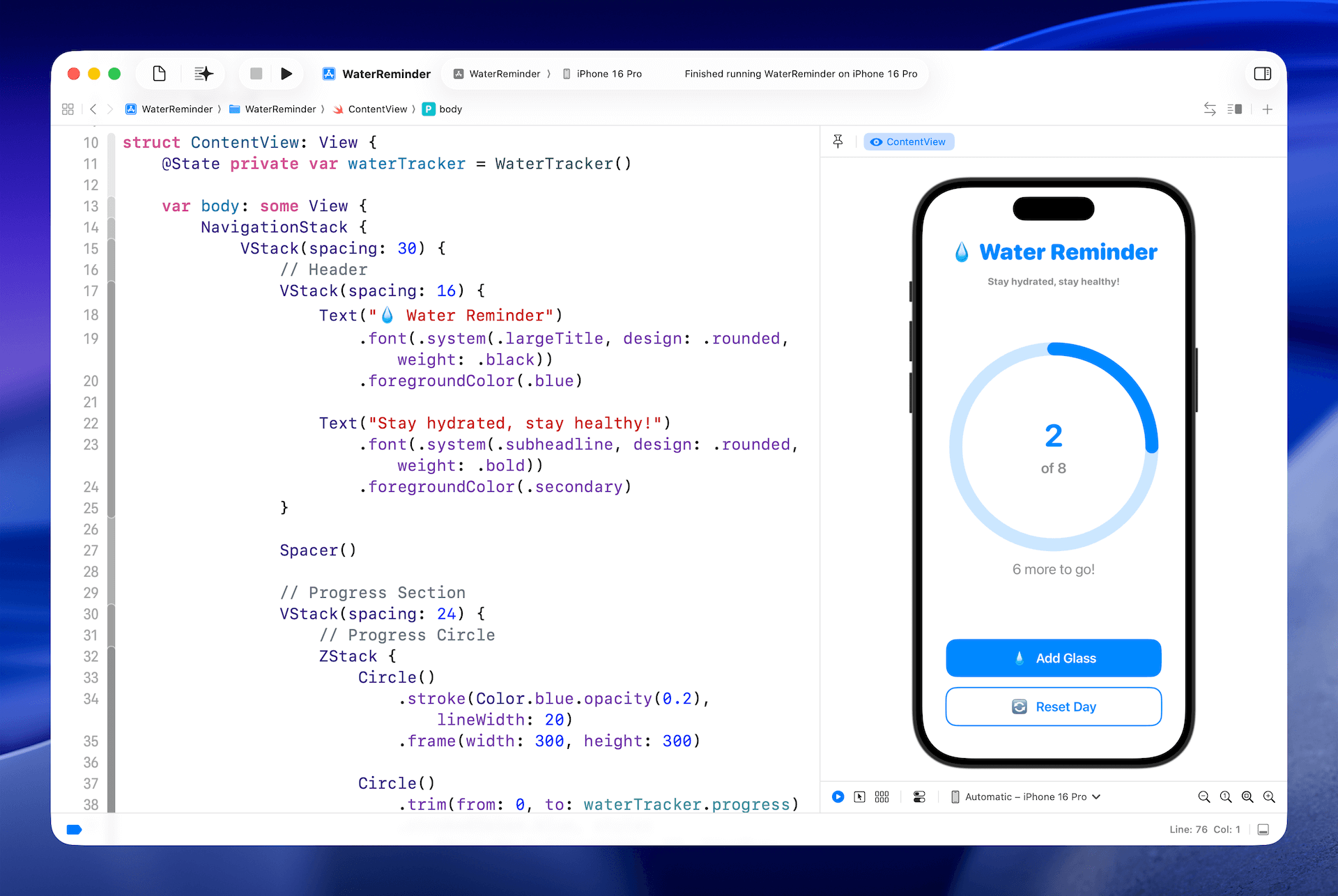
Our demo app, Water Tracker, is a simple and fun way to keep track of your daily water intake. You've probably heard the advice that drinking eight glasses of water a day is a good habit, and this app helps you stay mindful of that goal. The design is minimal on purpose: there's a circular progress bar showing how far along you are, and every time you tap the Add Glass button, the counter goes up by one and the progress bar fills a little more.
Behind the scenes, the app uses a WaterTracker class to manage the logic. This class keeps track of how many glasses you've already logged and what your daily goal is, so the UI always reflects your current progress. Here's the code that makes it work:
To access the full content and the complete source code, please get your copy at https://www.appcoda.com/swiftui.