Chapter 63
Working with @Generable and @Guide in Foundation Models
In the previous chapter, we introduced the Foundation Models framework and demonstrated how to use it for basic content generation. That process was fairly straightforward — you provide a prompt, wait a few seconds, and receive a response in natural language. In our example, we built a simple Q&A app where users could ask any question, and the app displayed the generated text directly.
But what if the response is more complex — and you need to convert the unstructured text into a structured object?
For example, suppose you ask the model to generate a recipe, and you want to turn that response into a Recipe object with properties like name, ingredients, and instructions.
Do you need to manually parse the text and map each part to your data model?
The Foundation Models framework in iOS 26 provides two powerful new macros called Generable and @Guide to help developers simplify this process.
In this chapter, we’ll explore how these macros work and how you can use them to generate structured data directly from model output.
The Demo App
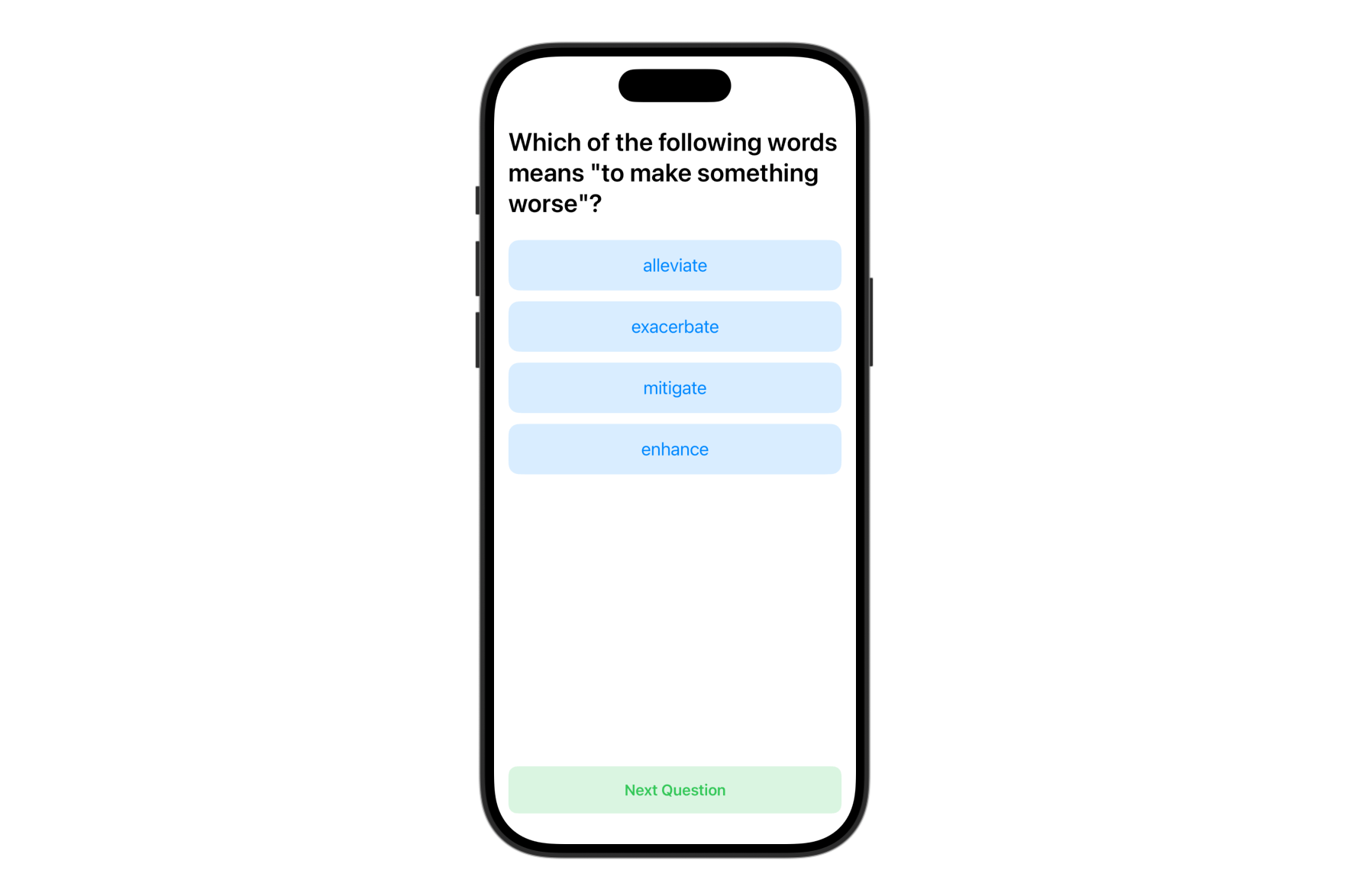
We will build a simple Quiz app that demonstrates how to use Foundation Models to generate structured content. In this case, it’s the vocabulary questions for English learners.
The app displays a multiple-choice question with four answer options, allowing users to test their knowledge interactively. Each question is generated by the on-device language model and automatically parsed into a Swift struct using the @Generable macro.
This demo app shows how developers can move beyond basic text generation and use Foundation Models to create structured content.
To access the full content and the complete source code, please get your copy at https://www.appcoda.com/swiftui.